Make view transitions optional
Build a complete grid-to-list interaction, then add motion that respects reduced-motion preferences and survives an unavailable API.
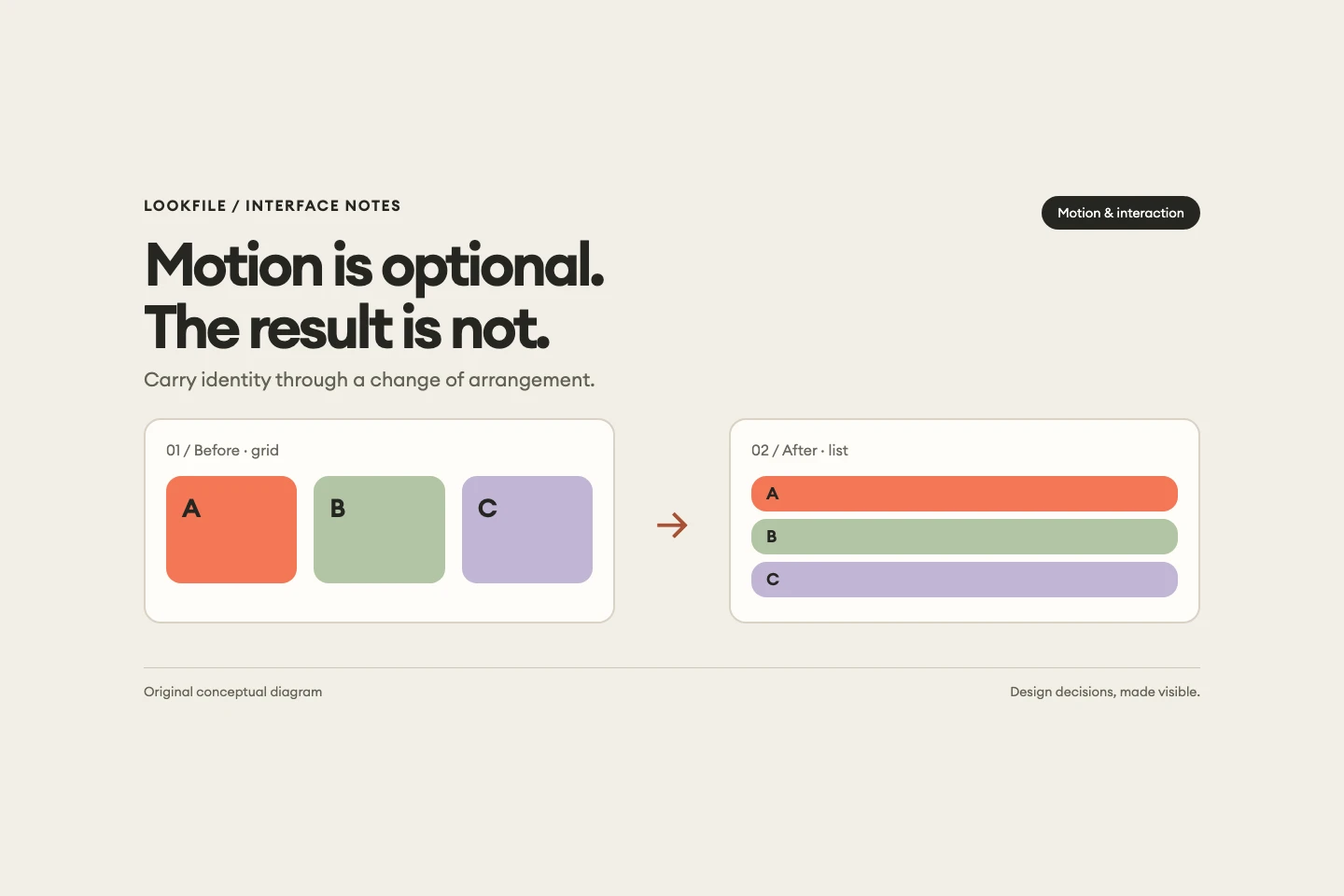
An AI coding agent can add a polished transition before anyone has decided what the transition should explain. Start one step earlier: name the object that stays the same, the arrangement that changes, and the state the person needs to reach. That gives motion a job you can review.
Our example is a small reading shelf. A person switches between three cards in a grid and the same cards in a list. Titles, order and content stay intact. The visual movement helps connect the two arrangements; choosing a view remains useful when the movement is absent.
Keep the destination independent of the journey
 Actual Chromium capture of our original local demonstration at a 1440px viewport. The reading cards are fictional; no account, service or network request is connected.
Write the completed interaction first. Selecting List changes the layout, updates the pressed state of the controls, and announces the new view through a short status message. Keep the two buttons in place so keyboard focus can remain on the control the person used. Those are reviewable behaviors even in a still screenshot.
What changes, and what stays dependable
Visual explanation
An optional layer that connects the two arrangements.
- The same cards move to their new positions.
- A short duration supports orientation.
- The final layout remains legible at every width.
Interaction contract
The result that must work without animation.
- One activation produces one state update.
- The selected control and status reflect the final view.
- Keyboard focus stays on the persistent button.
This is a useful boundary for an agent brief. Request the complete state change and its keyboard behavior before requesting a transition. Then review motion as a separate enhancement. A cinematic preview should never be the only evidence that a control works.
Give the browser a small, synchronous update
The same-document View Transition guide describes an API that captures the old view, runs a DOM update, then captures the new view. A matching transition name connects an element across those captures. Names must be unique within a rendered capture. Prepare remote data before starting the update; waiting for a fetch inside it can leave the page frozen while the promise settles.
A complete result, with an optional bridge
Before
The grid is visible. Every reading card has a stable, unique name; the selected control says Grid.
Commit once
Change the layout state and update the controls and status. This is the same commit whether animation is available or not.
After
The list is the real interface. If the transition runs, it explains continuity between the two captured views.
 The same authored study after keyboard activation of List. Our browser checks confirmed one update, retained button focus and the correct status message.
The shelf gives each card a stable name such as shelf-motion. Avoid using a repeated label like card for every item. In a real product, derive names from stable, safe identifiers and test the rendered result when items enter or leave the collection.
function changeView(nextView) {
  const commit = () => renderView(nextView);
  const reduceMotion = matchMedia(
    '(prefers-reduced-motion: reduce)'
  ).matches;

  if (!document.startViewTransition || reduceMotion) {
    commit();
    return;
  }

  const transition = document.startViewTransition(commit);
  transition.ready.catch(() => { /* Animation may be skipped. */ });
  transition.updateCallbackDone.catch(reportRenderError);
  transition.finished.catch(() => {
    /* Render errors are handled above. Do not replay commit. */
  });
}
Here, renderView is the application’s existing render operation and reportRenderError is its error reporting path. Neither is a payment, save or network request. This small wrapper keeps the change of view separate from business operations. The original demo uses a 300ms transition as a design choice, not as a measured ideal duration.
Treat a skipped animation differently from a failed update
The View Transitions specification distinguishes the promises: ready concerns the animation starting, updateCallbackDone follows the update callback, and finished resolves when the end state is visible, including when an animation is skipped. A failed callback can reject finished. An animation failure is therefore not permission to run the action again.
Before requesting JavaScript-driven motion, check the person’s current preference. W3C WAI’s SCR40 technique shows using matchMedia with prefers-reduced-motion. In this study, the reduced-motion path commits the new layout directly. That preference check complements the underlying usable controls; it does not replace an accessibility review.
A small acceptance matrix for the reading shelf| Condition | What we checked | Expected result |
|---|
| Normal motion | Grid → List → Grid with keyboard | One update per activation; selected button and status agree. |
| Reduced motion | System preference emulated in Chromium | The final view changes directly; no transition starts. |
| API absent | startViewTransition removed in the study | The same render operation completes without animation. |
| Narrow layout | 390px viewport in every branch | Cards wrap without page overflow; focus remains on the control. |
Hand the agent outcomes it can prove
Ask for a short recording when timing matters and still captures when comparing endpoints. Keep the evidence tied to the same implementation. A screenshot of the final list cannot prove reduced-motion behavior, just as a smooth animation cannot prove that a network action ran only once.
Build the grid/list interaction before adding motion.
Preserve the same card content, order and persistent controls.
Add stable, unique transition names.
Use the same commit when reduced motion is requested or the API is absent.
Verify keyboard focus, selected state, status and exactly one update.
Capture both layouts at desktop and mobile widths.
We ran the authored study at 1440px and 390px with normal motion, reduced motion and the API absent: six browser scenarios. All completed the round trip without a page overflow or JavaScript error. These checks cover programmatic behavior and keyboard use, not screen-reader speech, broad browser compatibility or a usability study. That boundary makes the evidence useful instead of overstating what the demo proves.
Back to the LOOKFILE blog